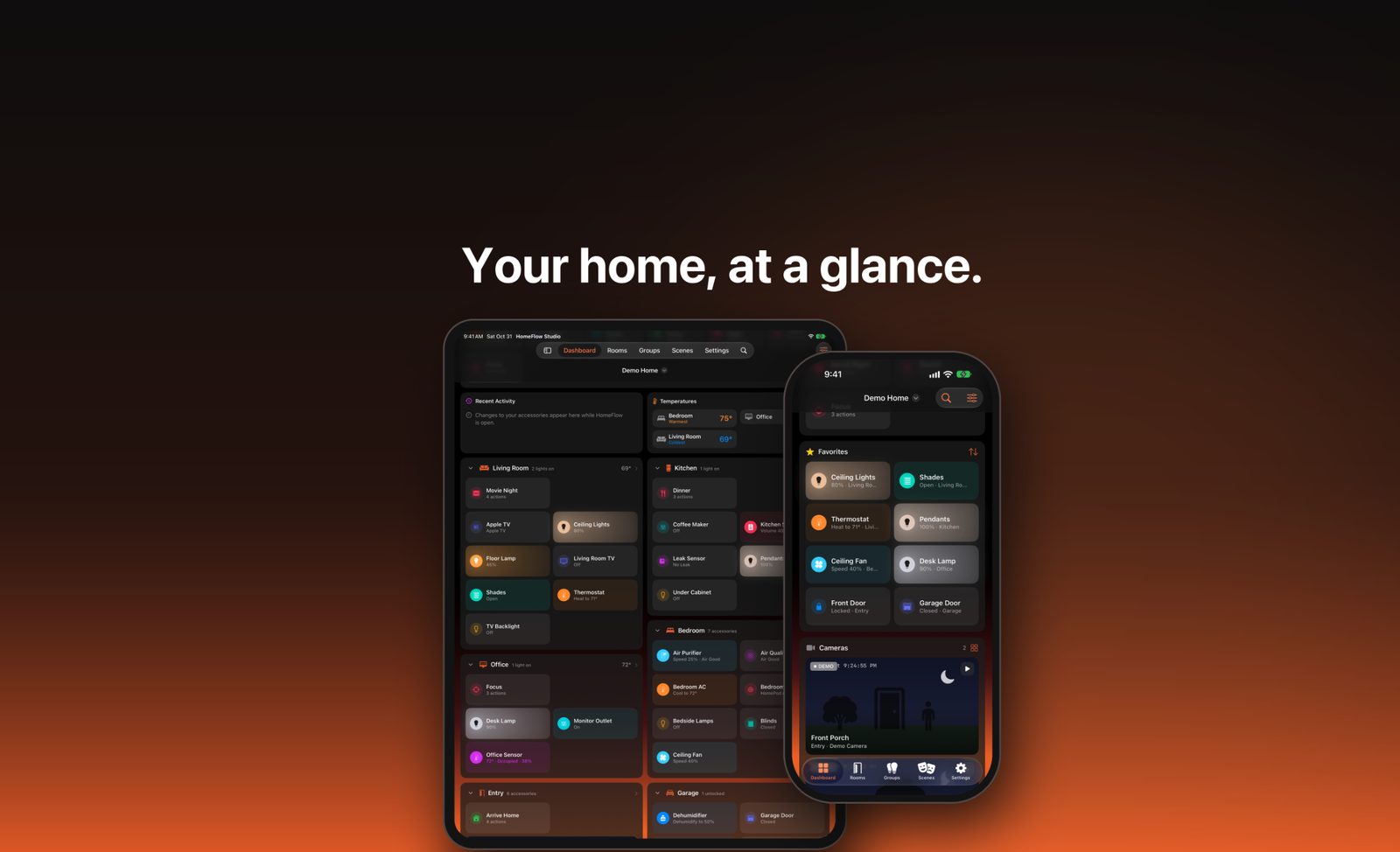
Your home, at a glance.
HomeFlow Studio turns Apple Home into a dashboard you'll actually want to look at. Lights, thermostats, locks, cameras, scenes, weather and today's plans sit together on one screen you can arrange the way you like, on iPhone and iPad.
Features
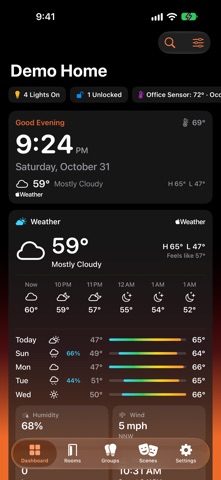
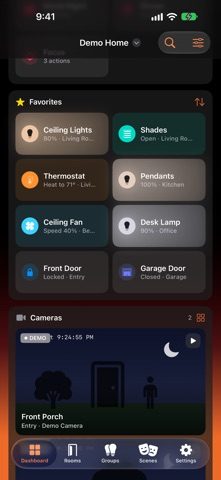
- A dashboard that fits your home — build one or more dashboards from cards: Favorites, Rooms, Scenes, Cameras, Device Groups, Weather, Date & Time, Today's Events, Reminders, Now Playing, Recent Activity and Temperatures. Resize them, reorder them, and pin any room or group right to the top.
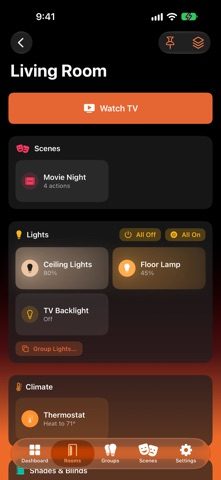
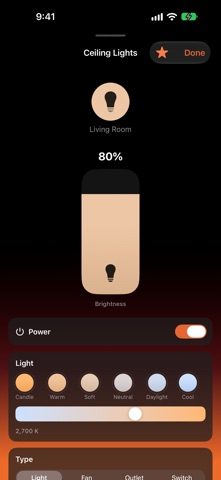
- Everything one tap away — tap a tile to switch a light, fan or outlet. Accessories with more to adjust, such as brightness, color, fan speed, blinds or TV inputs, open their full controls instead. Turn off every light in a room or lock every door at once.
- See what matters — "4 Lights On" and "1 Unlocked" tell you what's still on before you leave. Multi-sensors show as one tile, like "Bedroom · 70° · Occupied". The Temperatures card shows every room at once and marks the warmest and coldest. Air purifiers show their air quality right on the tile.
- Cameras — watch your HomeKit cameras live on the dashboard, open the camera wall, or keep one in picture in picture while you use other apps.
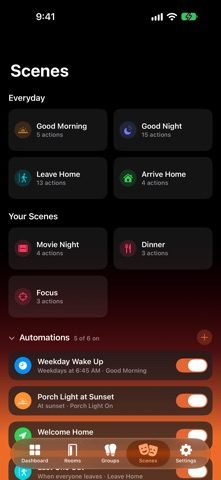
- Scenes and simple automations — run your scenes from anywhere in the app. Create simple automations without leaving HomeFlow: at a time, at sunrise or sunset, when people arrive or leave, or when an accessory changes.
- TV remote — turn on your HomeKit TV and use the remote, inputs, volume and sleep timer right in the app.
- Widgets and controls — Home Screen widgets for scenes, accessories, a room or your home's status, including tall layouts on the latest iPhones. Control Center controls let you run a scene or switch an accessory without opening the app.
- Make it yours — choose a theme, background and layout. Hide accessories you never use. Your settings and dashboards stay the same on all your devices through your own iCloud.
- Private by design — no account, no sign-in, no tracking. Your home's data is read through Apple's HomeKit on your device and never leaves it.
Requires a home set up in the Apple Home app.
 $14.99